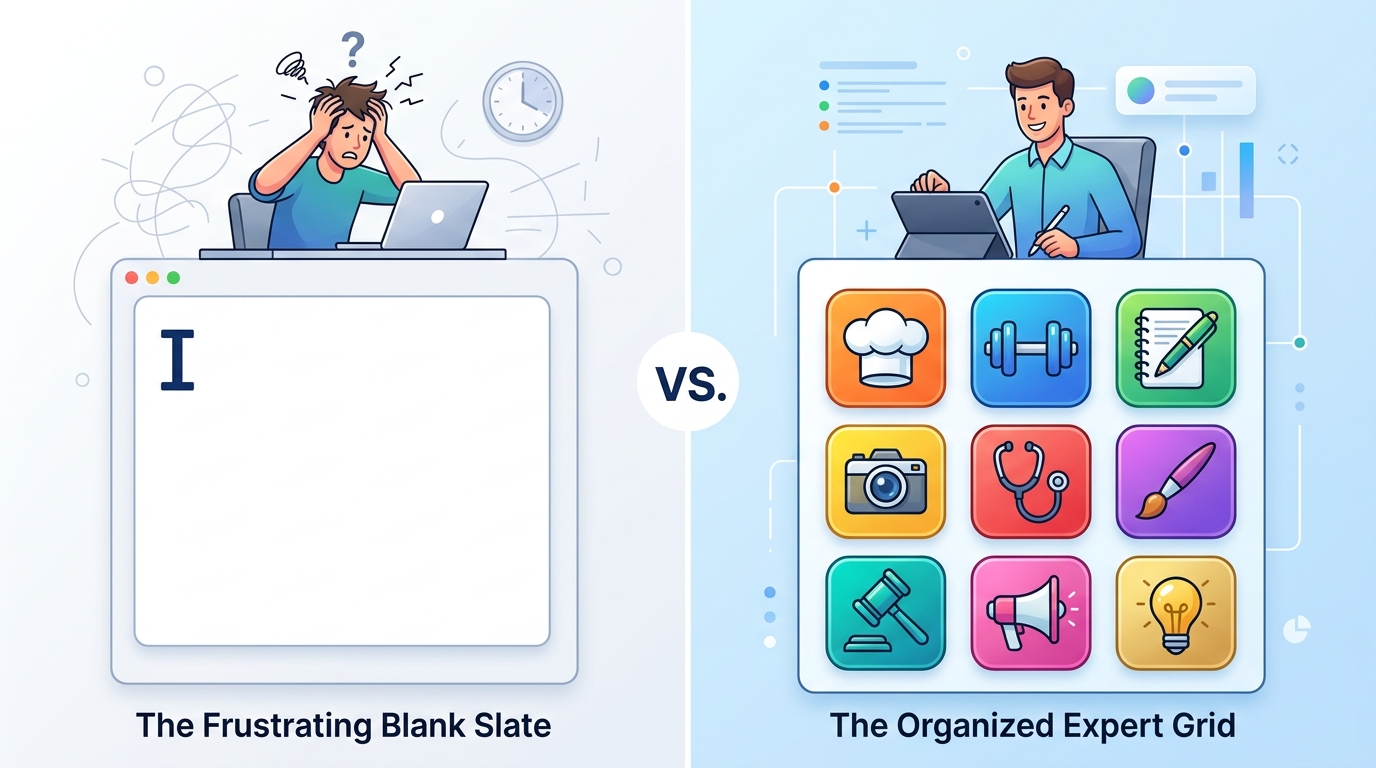
Demand More Than Just a Blank Text Box
We need to stop treating raw language models like finished consumer products. When users search for a digital assistant, they shouldn't have to build the tool themselves through endless text prompts. Instead, the most effective approach is choosing a categorized assistant app that offers pre-configured expert personas to handle specific daily tasks instantly.
In UX research and building applications tailored for busy parents and professionals, we consistently see the same pattern. People pull out their phones in a rush, open an app, and are greeted by a blinking cursor. They know the technology is powerful, but they freeze. The cognitive load required to figure out exactly how to ask the machine to format a meal plan or write a polite email is simply too high. This friction explains why generic chat interfaces are seeing significant drop-offs in daily utility.
Acknowledge the Shift to Infrastructure
To understand why app interfaces are changing, we have to look at how the technology has evolved. According to the Adjust Mobile App Trends 2026 report, AI has shifted from a novel strategic tool into foundational infrastructure. It is no longer the product itself; it is the engine powering the product.
Yet, when I look at app store search queries, I still see thousands of people typing variations like chadgbt, chatgps, or chat gptt. They are searching for the raw engine because they assume that is the only way to get help. It’s the equivalent of buying a car engine and trying to drive it to the grocery store without a steering wheel or seats.
As my colleague Ayşe Çelik explored in her recent breakdown of why blank AI screens are losing mobile users, consumers are quickly realizing that having access to vast amounts of data isn't helpful unless it is properly framed. A categorized assistant acts as that frame. By utilizing large language models in the background, a well-designed app provides immediate, contextual interfaces—meaning you don't need to be a prompt engineer to get a straight answer.
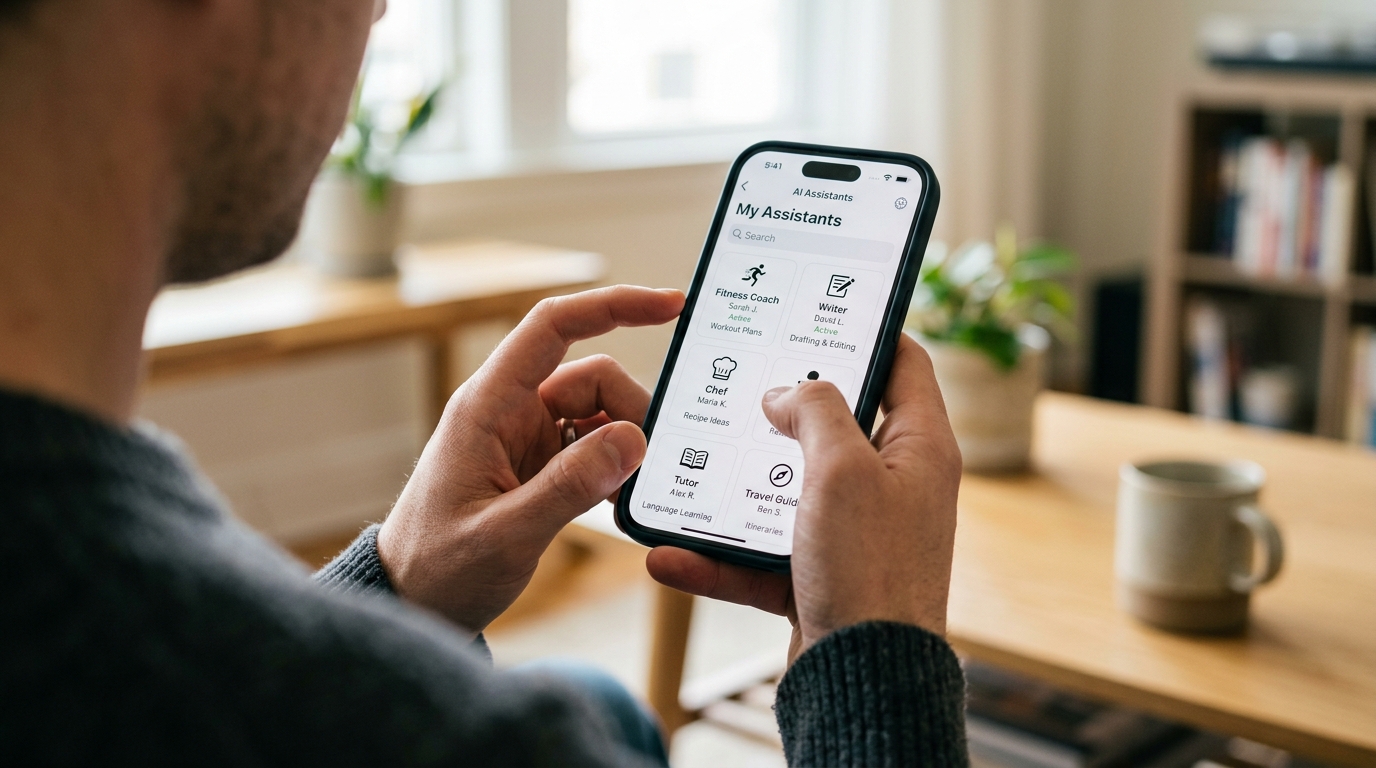
Stop Wasting Time on Endless Prompting
Critics of categorized assistants often argue that a freeform text box offers maximum flexibility. They claim that if you just learn to write the perfect prompt, you can make the system do anything. While technically true, this ignores the reality of human behavior.
Most users do not want a second job managing their digital tools. They want fast, accurate results. The 2026 Adjust report also highlights a growing "data-light" user behavior. People want to accomplish their tasks with minimal interaction, low battery drain, and reduced data consumption. Typing out four paragraphs of instructions just to get a recipe formatted correctly directly contradicts this trend.
Consider the searches we track daily: chap gpt, gchat gbt, chat gp t, and chat gtpt. These misspelled, hurried queries prove that users are typing fast, often on the go, looking for a quick fix. If they finally open the app only to realize they have to carefully explain their context, tone, and desired output format, they will likely abandon the session.
Choose Categorized Assistants for Practical Utility
So, how do you evaluate which tool is actually worth your time? The selection criteria should be based on how much cognitive load the app removes from your plate. In our work developing utility and family software at ParentalPro Apps, we prioritize immediate utility over complex setups. The same principle applies here.
When selecting a digital helper, look for these specific features:
- Pre-defined Expert Personas: Does the app offer specific profiles, like a fitness coach, a language tutor, or a copywriter? This eliminates the need to tell the system "act as an expert in..."
- Background Configuration: The heavy lifting should happen out of sight. A good app configures the underlying model (like ChatGPT or Gemini) with complex instructions so you only have to provide the basic input.
- Contextual Continuity: If you are talking to the cooking assistant, it should remember that you are asking about food, without you needing to remind it in every single message.
This is precisely where an application like Kai AI - Chatbot & Assistant proves its value. It is designed to be a categorized AI assistant. Instead of handing you a blank canvas, it gives you a menu of experts. If you want a structured workout plan, Kai AI's fitness coach persona is pre-configured with the precise instructions necessary to generate safe, effective routines immediately.
Avoid These Common App Selection Mistakes
When users feel overwhelmed, they tend to make rapid, poorly researched decisions. We frequently observe users falling into predictable traps because they are frustrated by generic solutions.
Mistake 1: Downloading Raw Wrappers
Many apps on the market are nothing more than thin wrappers around an API. They take your hurried query—perhaps you searched for gchat gtp, chat gpyt, or chata gpt—and funnel you into the exact same blank screen you were trying to avoid. They offer no additional value or workflow optimization.
Mistake 2: Ignoring Lifetime Value (LTV) and Loyalty
Data indicates a shift toward optimizing for user loyalty rather than just quick downloads. An app that forces you to wrestle with prompts every day has a low LTV. You will eventually delete it. You need a tool that learns your preferences within specific categories, encouraging daily, friction-free use.

Mistake 3: Overlooking the "Who is this NOT for?" Factor
Trustworthy apps define their boundaries. Categorized assistants are incredibly efficient, but they aren't for everyone. If you are an AI researcher testing the limits of language models, a categorized app is not for you. However, if you are a student, a freelancer, or a parent trying to organize a chaotic week, predefined expert personas are exactly what you need.
Redefine Your Search Behavior
It is time to change how we interact with these tools. The search terms people use—ranging from chat gptg and chat gpt+ to ochat gpt, cha t gpt, and chat gppt—reveal a global desire for better digital help. But the answer to these searches isn't a slightly faster blank screen.
From a UX perspective, my stance is firm: we must design for human reality. The technology is capable of handling the complexities of prompt engineering in the background. It is our job to ensure the interface reflects the user's intent.
The next time you find yourself typing a hurried search like chatt gtp, char gtp, chatjpd, chatcgp, or chat gptai com, pause and ask yourself what you actually want to achieve. Do you want to learn how to write a prompt, or do you want the final answer? By choosing categorized AI interfaces, you move directly to the results.