
Are you spending more time trying to figure out how to talk to your digital tools than actually getting your work done?
As a software developer specializing in natural language processing, I watch this scenario unfold daily. People hear about the incredible capabilities of modern technology, download an app, and are immediately confronted with a completely blank text box. They are expected to instantly become prompt engineering experts, carefully crafting context, tone, and formatting constraints just to get a usable recipe or a polite email draft.
This friction is precisely why user behavior is shifting. Industry reports on digital consumer trends suggest that while over 60% of adults now use generative AI, smartphones have become highly demanding hubs. Users no longer have the patience to experiment with commands on small screens. They want a categorized, expert-led experience that handles the complex background configuration for them.
If you are tired of typing and re-typing commands to get a straight answer, here is a practical, step-by-step walkthrough of why categorized digital specialists are taking over, and how to effectively transition your daily workflows to them.
1. The blank prompt box actively drains your daily productivity
The core problem with standard conversational interfaces is that they rely entirely on the user's ability to communicate exactly what they want. If you ask a generic tool for a workout plan, it will give you a highly generic, often unhelpful list. To get a good result, you have to tell it to "act as a certified personal trainer, consider my physical constraints, focus on 20-minute sessions, and format the output as a daily table."
That is not convenience; that is data entry.
Recent mobile design trends highlight that speed and performance are now the top criteria for users, who expect minimalist designs that guide them intuitively. A blank screen does not guide you; it forces you to guess. When users get frustrated, they abandon the tool. In fact, research indicates that a majority of users will delete a confusing app after their very first attempt at using it.
2. Search behavior proves that users want immediate solutions
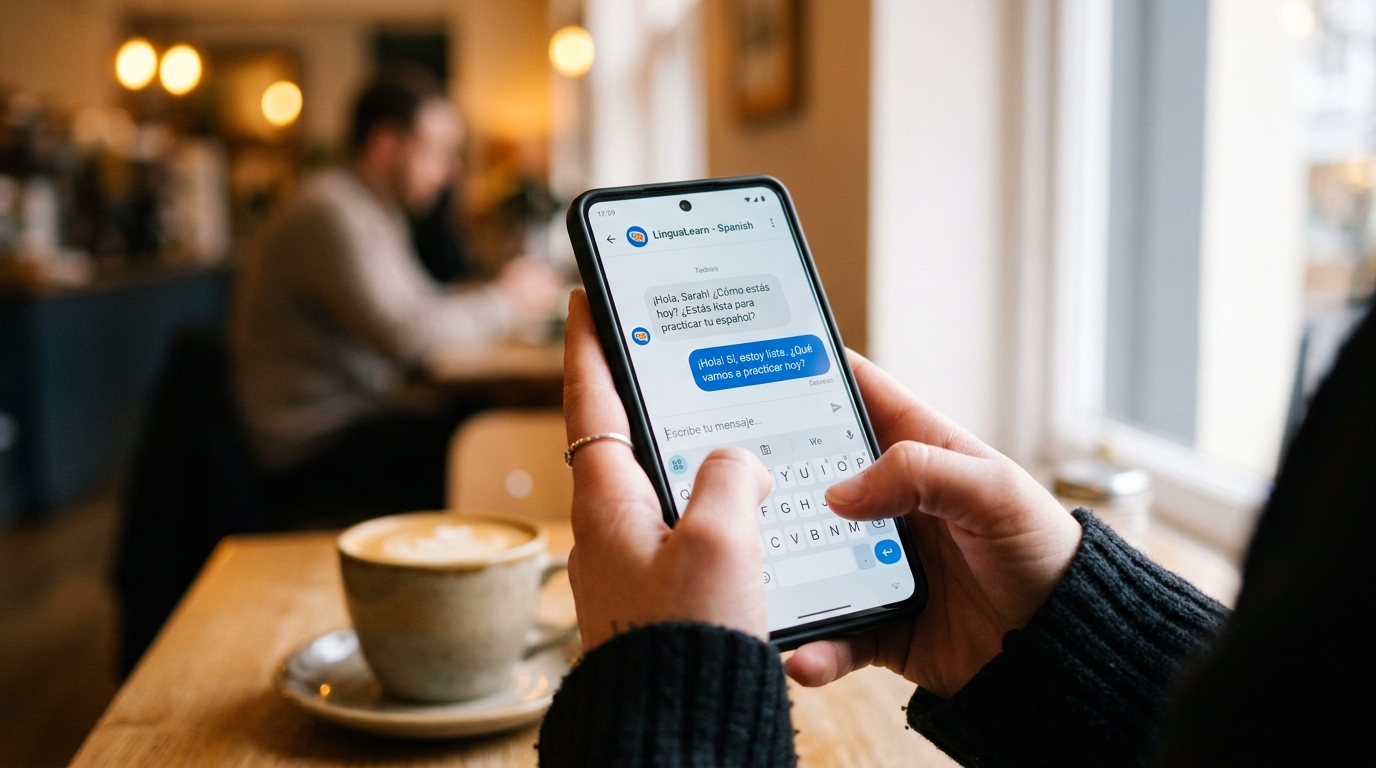
When we review search query logs, it is fascinating to see the urgency with which people try to find help. In their rush, users often type quick variations or common misspellings of popular tools—like chat gpt, chatgpt, or chatgtp. They are standing in the grocery store trying to translate a label, or sitting at their desk trying to draft a difficult message.
The underlying psychology is identical: people are searching for a fast, reliable assistant. They are not looking for a complex language model to experiment with; they are looking for an immediate solution to a very specific, situational problem. When they end up with a generic interface, the mismatch between their urgent need and the app's demand for complex prompting creates instant frustration.
3. Pre-configured expert personas eliminate the guesswork
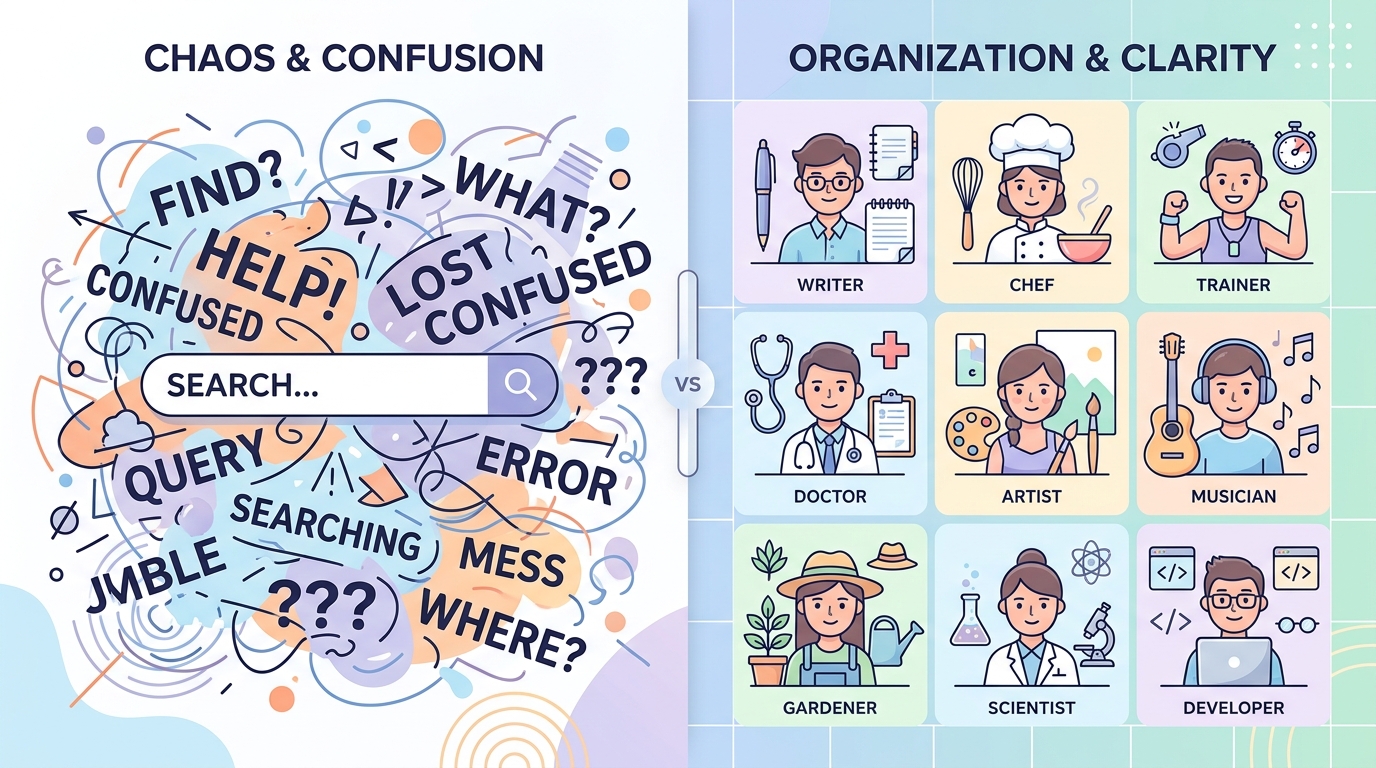
The solution to this friction is categorization. A categorized AI assistant is an application that replaces the blank text box with a grid of pre-defined, highly specialized digital personas—such as a writing coach, a fitness instructor, or a language tutor—where all the complex prompt instructions are already integrated into the background.
When we build products at ParentalPro Apps, our philosophy centers on removing friction. This is exactly what Kai AI - Chatbot & Assistant does. Instead of forcing you to build context from scratch, Kai AI offers predefined assistants. If you tap the "Chef" persona, the underlying system already knows to ask you about dietary restrictions, prep time, and available ingredients. It responds strictly as an expert in that domain.
Mobile app trends indicate that these technologies are rapidly transitioning from strategic novelties to essential, invisible infrastructure. The technology works best when you don't realize you are using it.
4. Honest selection criteria define your long-term success
Before you adopt a new digital tool, you need to know exactly who it is built for. Categorized assistants like Kai AI are designed specifically for students needing quick tutoring, freelancers balancing administrative tasks, and busy individuals who want fast answers on the go.
Who is this NOT for? If you are a prompt engineer testing the logical limits of language models, or a developer writing complex scripts who needs a massive, adaptable coding environment, a categorized mobile app is not your tool. You need a desktop environment with raw model access.
To choose the right everyday assistant, evaluate these three criteria:
- Contextual memory: Does the fitness persona remember what you discussed yesterday without you having to repeat it?
- Specialized interface: Are you offered clear categories, or are you just staring at an empty chat thread?
- Speed of outcome: How many taps does it take to go from opening the app to getting a usable answer?
If you find yourself frantically typing into a generic search bar just to get help with a simple email, you are likely wasting time on the wrong interface.
5. Your first practical workflow builds the habit
To truly understand the difference between generic search queries and a structured assistant, you need to run a test workflow. I always recommend starting with a task you perform every week, such as meal planning.
First, open your categorized assistant and select the "Nutritionist" or "Chef" persona. Second, give it a simple, direct input: "chicken, rice, broccoli, 20 minutes." Because the persona is pre-configured, it will not just repeat the ingredients back to you or give you a generic article. It will immediately generate a step-by-step recipe, optimized for a 20-minute window, written in the tone of a professional cook.
The reduction of cognitive load is the single most important factor in whether you will keep using an app. By starting with a pre-trained expert, you skip the setup phase entirely.
The era of typing complex instructions into a blank box is ending. If you want fast, accurate, and context-aware help on a mobile device, Kai AI - Chatbot & Assistant's categorized personas are designed precisely for that outcome. Stop engineering prompts and start having productive conversations.