
As a software developer specializing in natural language processing, I spend a lot of time analyzing how people actually interact with conversational interfaces. A few months ago, I was looking at anonymized session logs and noticed a massive point of friction. The sheer volume of people frantically typing variations like chat gptt, chadgbt, and chatgps into search bars, only to end up staring at a blank text box, was staggering. A categorized AI assistant app solves this exact friction by offering pre-trained, role-specific bots—like a chef, fitness coach, or writing editor—so you never have to write a complex instruction from scratch.
We are observing a structural shift in user behavior right now. According to the "Mobile App Trends" data from Adjust, while global app installs and sessions have shown steady growth over the last year, the overarching theme for 2024 is the end of raw hype. Reports note that consumer spend in the app economy has reached record highs, nearing $167 billion. The tools driving this growth are no longer just basic text generators; they feature deep operational integration and structured measurement. Users are demanding immediate utility.
Despite this shift, several stubborn misconceptions remain about how we should interact with these tools on our phones. Let's examine the most common myths I see in the field.
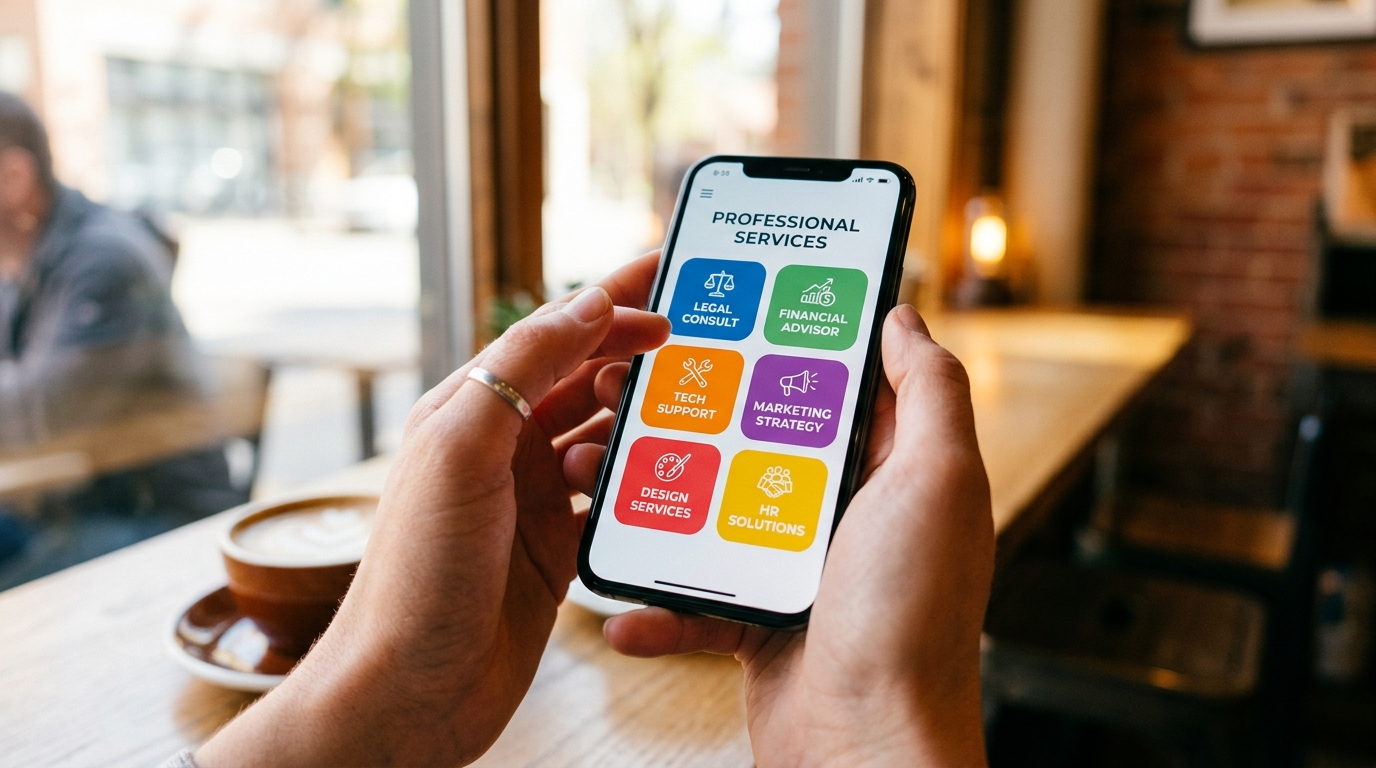
Does typing "chatgtp" into a blank box actually save you time?
There is a widespread belief that if you simply open a standard interface, spell chatgtp or chapgpt correctly, and figure out how to type a highly detailed five-paragraph instruction, the system will do exactly what you want.
In reality, most users are students, freelancers, or small business operators who simply do not have the time to learn prompt engineering. As my colleague Ayşe Çelik recently highlighted in her analysis of why pre-trained experts beat standard searches, blank interfaces frequently force you to spend more time fixing mistakes than getting actual work done.
When you use a categorized assistant, the background configuration is handled for you. You select a "Language Tutor" and start talking. The system already knows it needs to correct your grammar gently, explain colloquialisms, and test your vocabulary. You skip the setup phase entirely.
The illusion of the all-knowing generic assistant
Another major myth is the idea that a single, continuous chat thread is the most effective way to manage your entire life. People often assume they can use the same generic chadgpt window to plan their weekly meals, write a professional email to a client, and debug a block of code, all in one sitting.
From a technical standpoint, context windows get confused when you mix drastically different topics. When you jump from asking for a recipe to asking for legal formatting, the output quality often degrades. A categorized architecture isolates the context. You switch from the "Copywriter" persona to the "Fitness Coach" persona. Behind the scenes, these applications utilize major language models, but the strict categorization ensures the bot stays firmly in character and provides highly specific expertise.
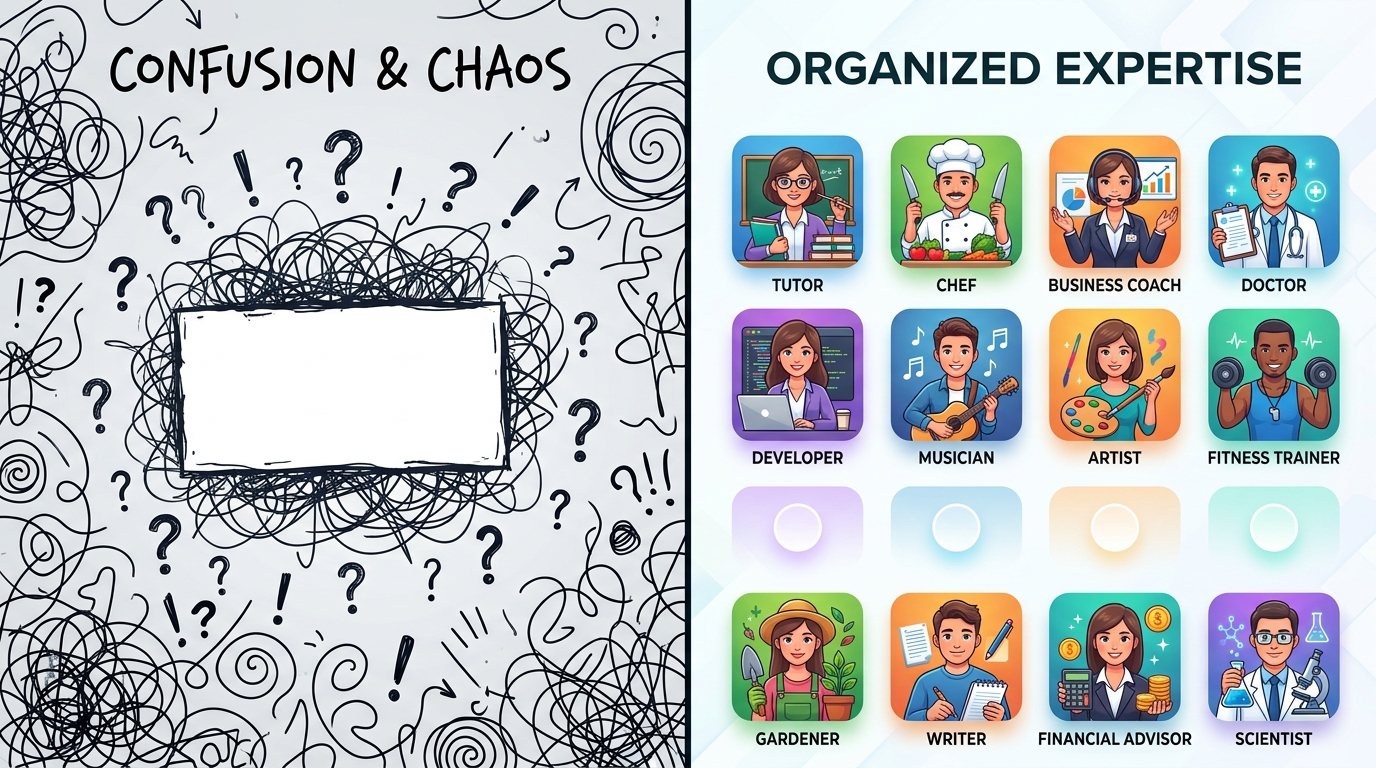
Stop assuming mobile tools are just lightweight web clones
I frequently talk to professionals who think real work only happens on a desktop browser when searching for sites like chat gptai com. They view mobile versions as secondary utilities.
The latest mobile market data contradicts this. The mobile ecosystem is where the majority of real-world task execution is happening today. Interestingly, recent reports highlighted that iOS App Tracking Transparency (ATT) opt-in rates have climbed significantly, reaching 38%. This indicates that users are actually more willing to share context data when an app provides clear, immediate value.
Mobile tools are location-aware, voice-enabled, and instantly accessible. If you need immediate help translating a menu on a trip or drafting a quick reply between meetings, a categorized mobile app is vastly superior to logging into a web dashboard.
The misconception that more prompt tweaking equals better results
When users don't get the answer they want, their first instinct is usually to search for alternative generic tools—typing things like cht gpt or chatt gtp in hopes of finding a "smarter" version.
Tolga Öztürk recently discussed why categorized assistants are the future of everyday help. The issue is rarely the underlying model; the issue is the framing. Constantly tweaking your prompt is a symptom of a poorly designed user interface.
If you want immediate, expert-level answers without the friction of endless prompting, Kai AI - Chatbot & Assistant is designed precisely for that. It packages complex technical capabilities into straightforward, pre-defined personas so you get an expert response on the first try.
How to choose a tool that actually works for you
When you are evaluating options after a frustrating session with a generic query, keep these selection criteria in mind:
- Pre-configured Personas: Does the application offer distinct roles (e.g., chef, writer, coach) rather than a one-size-fits-all box?
- Backend Flexibility: Does it route queries intelligently behind the scenes?
- Context Isolation: Can you save separate conversations for separate tasks without them bleeding into each other?
Who is this NOT for? If you are an enterprise developer who wants to manually tweak API temperature settings and write complex system rules from scratch, a consumer-friendly categorized assistant is likely not for you. However, if your primary goal is practical execution—getting a workout routine, writing an essay, or translating a document—categorization is the most efficient path forward.
We are seeing a similar preference for structured, single-purpose utility across the broader mobile market. Whether it is families seeking structured safety through tools built by ParentalPro Apps, or individuals needing specific writing help, the trend is clear. The shift toward specialized utility is becoming more pronounced. The future belongs to tools that know exactly what their job is the moment you open them.